Jump to content
Check out discord.gg/fxap for the cheapest decryptions! First one is free! ×

Get LB-Phone!

Unlock the powerful LB-Phone for a fraction of the price you pay on tebex.

Download

Premium TOS Clothing MEGA Pack!

11GB of pure TOS premium clothing best clothing pack for your Server!

Download

5Decrypt

Automated Asset Decryption

Learn More

9 Screenshots

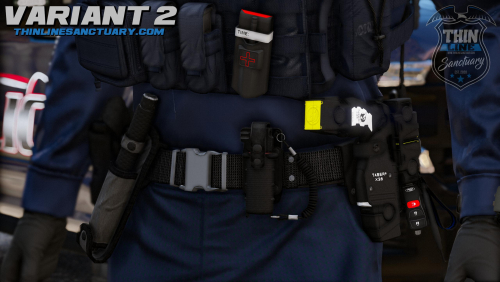
About This File


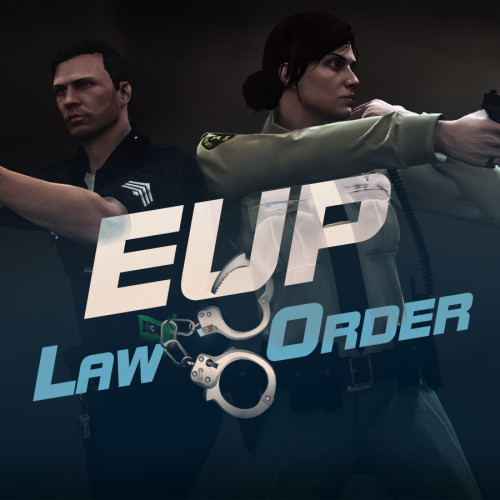
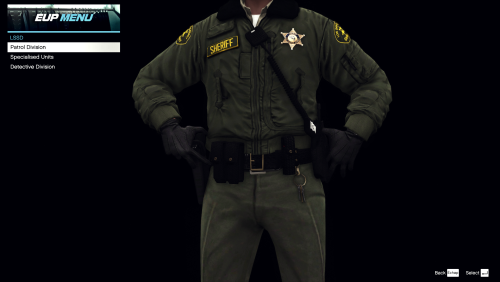
eup 9.7 zip file password:Fn%#qezGUay$Z$k4TUam


THIS IS FOR SP NOT FIVEM

Edited by Hebalulas


What's New in Version 1.0.1   See changelog

Released

its now on google drive

  • Nice 1
  • Happy 2

User Feedback

Recommended Comments


5 minutes ago, jacekim said:

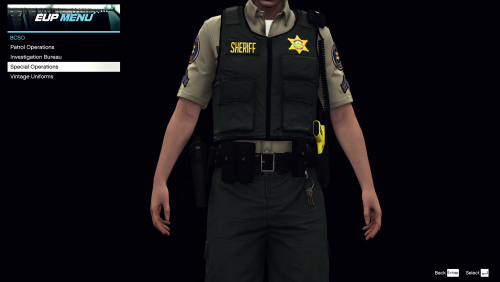
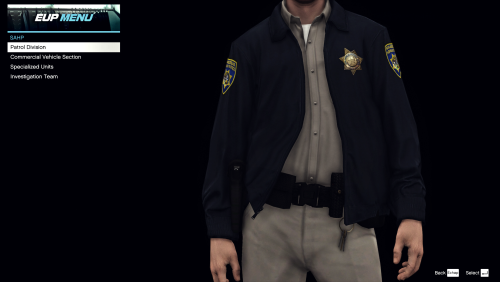
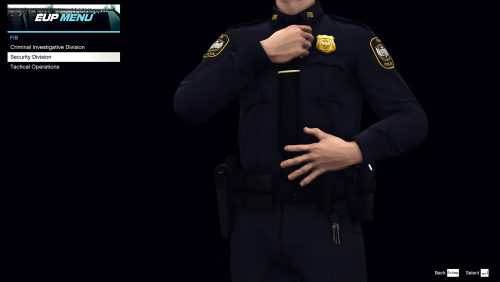
Hey, I have not been able to open up the EUP menu, checked the keys by default F11, just as I had previously used, any possible fix?


make sure your ragenativeui is updated and make sure the key is f11

jacekim

Posted

9 minutes ago, 7vec said:

make sure your ragenativeui is updated and make sure the key is f11

My RNUI is from Github, all my other menus work its just this. I checked that its loaded in from RPH, tried unchecking and manually loading it ingame dont work either. I downloaded this by replacing files rather than deleting the older free EUP, if thats the clue


1 minute ago, jacekim said:

My RNUI is from Github, all my other menus work its just this. I checked that its loaded in from RPH, tried unchecking and manually loading it ingame dont work either. I downloaded this by replacing files rather than deleting the older free EUP, if thats the clue


i mean i can't say for sure it is the issue, but then again i can't say for sure that it isn't. if your eup menu still makes sound when you press f11 but you can't see it, the eup folder is more than likely corrupt. check in openiv if it exceeds 4gb or if you can still even open the dlc.rpf.

your best bet is to probably back up your current eup and install this one normally instead of replacing.

jacekim

Posted

18 minutes ago, 7vec said:

i mean i can't say for sure it is the issue, but then again i can't say for sure that it isn't. if your eup menu still makes sound when you press f11 but you can't see it, the eup folder is more than likely corrupt. check in openiv if it exceeds 4gb or if you can still even open the dlc.rpf.

your best bet is to probably back up your current eup and install this one normally instead of replacing.

Aight, you hit the nail on this one, tried opening ComPedsP but it was corrupted, deleted it to try and fresh download, still corrupted (I was downloading installer.oiv)

so I tried again but downloaded beta installer.oiv (idk why there 2 different files provided), I could open ComPedsP without issue, and the menu is now working in game


Thanks for the suggestion of opening up the file in openIV, never would have thought of it and probably would have gone back to my backup of EUP8.3

LEGION_FIVE

Posted

W leak. I hate how they charge for these simple plugins.

Bydem0n2323

Posted

Hi guys, sorry to bother you but I recently installed EUP 9.7 and S&R 2.6 + EUP Ultimate Backup Configurations by Tom3k and since then my EUP menu doesn't work anymore, and when I select an outfit it appears like this:

Do I need EUPFR Basic Config?
Or maybe EUPFR Ultimate Edition?
I think I have both but I can reinstall them

20241216161144_1.jpg


Create an account or sign in to comment

You need to be a member in order to leave a comment

Create an account

Sign up for a new account in our community. It's easy!

Register a new account

Sign in

Already have an account? Sign in here.

Sign In Now
  • Recently Browsing   0 members

    • No registered users viewing this page.


×
×
  • Create New...

Important Information

By continuing on Launcherleaks.net, you agree to our Terms of Use, Guidelines & Privacy Policy