.png.8e1932637cddb5545967a863af3a105e.png)





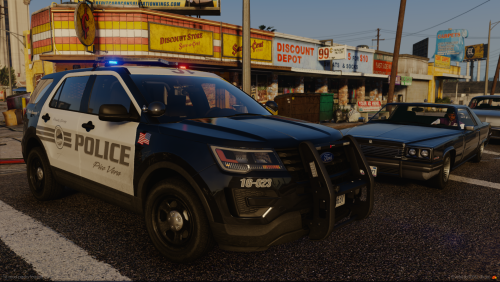


About This File
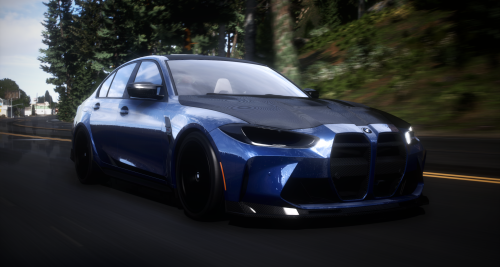
Kam's V1! Enjoy 🙂
How to Install
Step 1: Go to your plugins folder. C:\Users\PCNAME\AppData\Local\FiveM\FiveM.app\plugins
Step 2: Drag all files inside KamV2.rar into plugins. (You may now close your plugins folder)
Step 3: Locate your GTA-V files.
Step 4: Search for the keyword "enb" and delete all files related to this keyword.
Step 5: Drag all ENB files into your GTA-V files.
Edited by vortex6ght2

![More information about "Debadged Vehicle Pack | 450 CARS - DigitalLativa [9GB!]"](https://launcherleaks.net/uploads/monthly_2024_08/debadged-vehicle-pack-450-cars-645028.thumb.webp.f1cd01e8175a89bcf9c68fe426456f44.webp)
.thumb.webp.9efc2f23bddff94214c45f99e747f9bf.webp)



Recommended Comments
Create an account or sign in to comment
You need to be a member in order to leave a comment
Create an account
Sign up for a new account in our community. It's easy!
Register a new accountSign in
Already have an account? Sign in here.
Sign In Now