.png.8e1932637cddb5545967a863af3a105e.png)




About This File
Instructions:
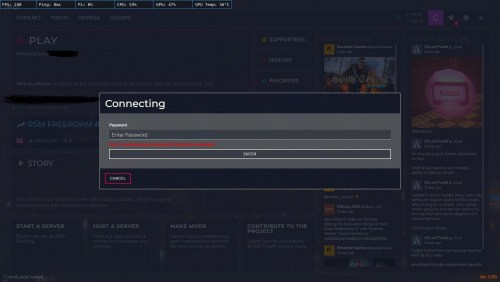
Download The File And Copy It Into Your FiveM Resource Folder, Then Go In The Server.lua And Change Where It Says 'PASSWORD', Change That To Whatever You Would Like It To Be, Then Go To Your Server.cfg And Add A Line Saying.
Start password
Or
ensure password
Then Your Good To Go.
What's New in Version 1 See changelog
Released
.

![More information about "Debadged Vehicle Pack | 450 CARS - DigitalLativa [9GB!]"](https://launcherleaks.net/uploads/monthly_2024_08/debadged-vehicle-pack-450-cars-645028.thumb.webp.f1cd01e8175a89bcf9c68fe426456f44.webp)
.thumb.webp.9efc2f23bddff94214c45f99e747f9bf.webp)


Recommended Comments
Create an account or sign in to comment
You need to be a member in order to leave a comment
Create an account
Sign up for a new account in our community. It's easy!
Register a new accountSign in
Already have an account? Sign in here.
Sign In Now