.png.8e1932637cddb5545967a863af3a105e.png)





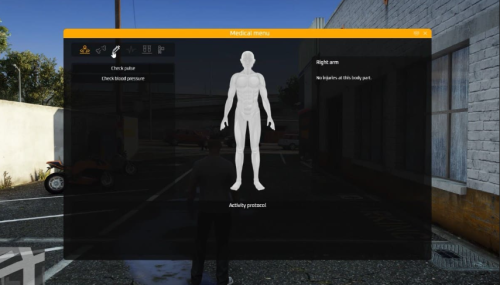
About This File
1. Download the Script
-
Scripts usually come as
.zipfiles from GitHub, forums, or paid resources. -
Extract the zip file — inside you’ll see a folder (this is the resource).
2. Place it in Your Resources Folder
-
Navigate to your FiveM server files.
-
Go to
server-data/resources/ -
Drag the script’s folder into this resources directory.
👉 Important: The folder name should not contain spaces. If the script came with a weird name like my_script-main, rename it to something clean like my_script.
3. Add to server.cfg
-
Open your
server.cfgfile (located inserver-data/). -
Add a line for your script:
credits: bigdoor3
Edited by GermanRipper


![More information about "Debadged Vehicle Pack | 450 CARS - DigitalLativa [9GB!]"](https://launcherleaks.net/uploads/monthly_2024_08/debadged-vehicle-pack-450-cars-645028.thumb.webp.f1cd01e8175a89bcf9c68fe426456f44.webp)
.thumb.webp.9efc2f23bddff94214c45f99e747f9bf.webp)