Jump to content
Check out discord.gg/fxap for the cheapest decryptions! First one is free! ×

Get LB-Phone!

Unlock the powerful LB-Phone for a fraction of the price you pay on tebex.

Download

Premium TOS Clothing MEGA Pack!

11GB of pure TOS premium clothing best clothing pack for your Server!

Download

5Decrypt

Automated Asset Decryption

Learn More

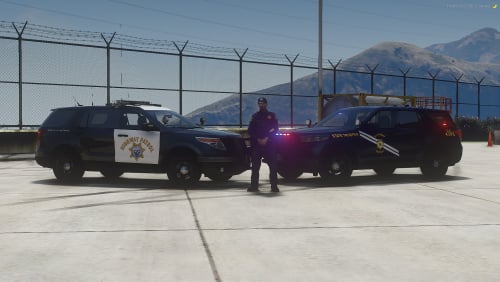
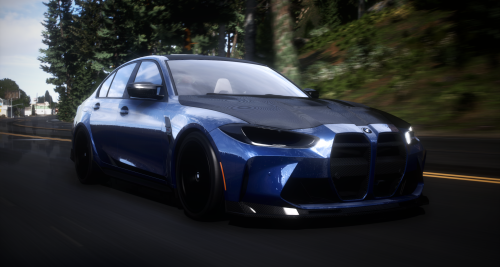
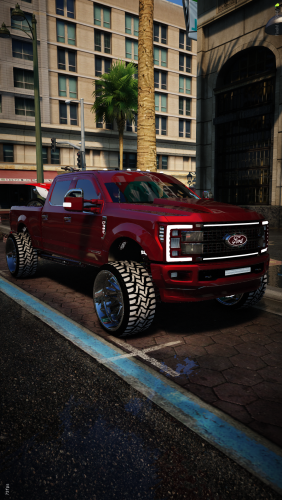
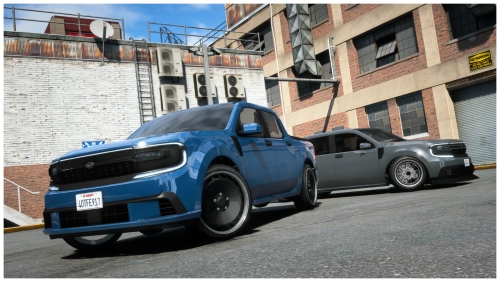
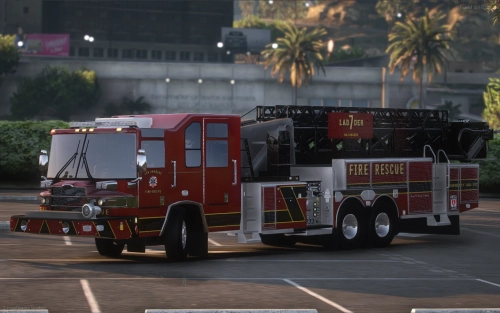
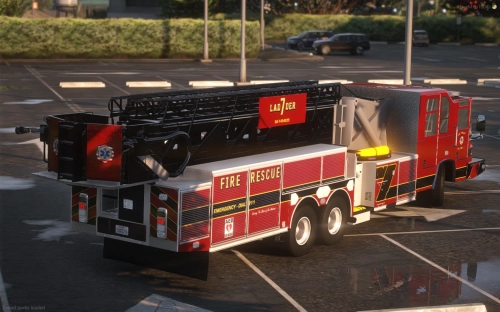
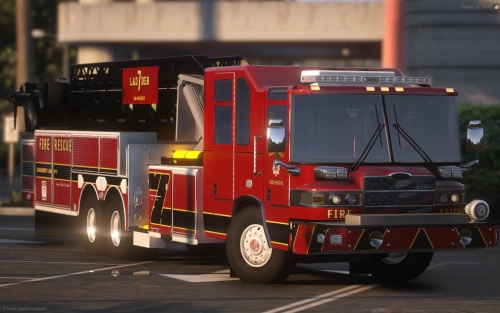
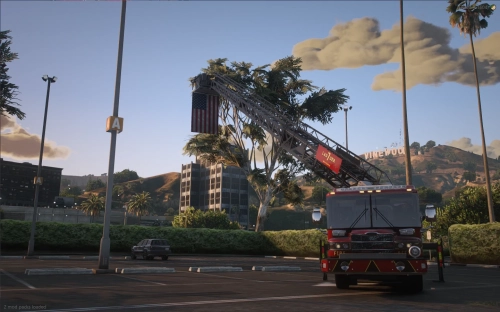
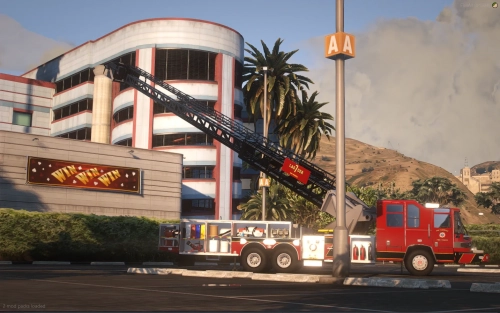
Trooper Corentin | Pierce quantum Midmount Tower 1.0.0

   (0 reviews)

5 Screenshots

About This File

Have fun with it

Edited by KyleOnTop
Name Change


User Feedback

Recommended Comments

freedome

Posted (edited)

what's the reason? pls

image.thumb.png.a7f7bbc1364ad0e5bffe82a89f6107ff.png

Edited by freedome
George

Posted

On 9/11/2022 at 8:48 AM, freedome said:

what's the reason? pls

image.thumb.png.a7f7bbc1364ad0e5bffe82a89f6107ff.png

that usually means that there's another vehicle with the same carcols/carvariations id.  go into carcols look for id value under item and change the id value to 4, 5, or 6 digit random number.  Save it, then go to carvariations and change the id value at the bottom of the page.  Make a note of the carcols id value because you can find the vehicle using that number in carvariations.  If you need to find the vehicle in carvariations or carcols click edit go to find and type either the vehicle name or id value.  Once you've changed the id value in both carcols and carvariations click save, restart your server and test the vehicle.  if the lights are still messed up repeat the steps above.  It's finding the right numbers, but usually it works with the random number that you create, the first time.   I hope this helps. 

  • Happy 1
freedome

Posted

3 hours ago, George said:

that usually means that there's another vehicle with the same carcols/carvariations id.  go into carcols look for id value under item and change the id value to 4, 5, or 6 digit random number.  Save it, then go to carvariations and change the id value at the bottom of the page.  Make a note of the carcols id value because you can find the vehicle using that number in carvariations.  If you need to find the vehicle in carvariations or carcols click edit go to find and type either the vehicle name or id value.  Once you've changed the id value in both carcols and carvariations click save, restart your server and test the vehicle.  if the lights are still messed up repeat the steps above.  It's finding the right numbers, but usually it works with the random number that you create, the first time.   I hope this helps. 

Thank you very much for your answer, this modification is really useful! I didn't expect carcols/carvariations id to be useful for siren textures, I just know that modifying it can mod those conflicting mods, thanks for letting me know!???

Mael2.0

Posted

it does not appear under resources and I can spawn it in please help

Create an account or sign in to comment

You need to be a member in order to leave a comment

Create an account

Sign up for a new account in our community. It's easy!

Register a new account

Sign in

Already have an account? Sign in here.

Sign In Now
  • Recently Browsing   0 members

    • No registered users viewing this page.


×
×
  • Create New...

Important Information

By continuing on Launcherleaks.net, you agree to our Terms of Use, Guidelines & Privacy Policy