.png.8e1932637cddb5545967a863af3a105e.png)





About This File
- Add heli entry to your citmp-server.yml AutoStartResources
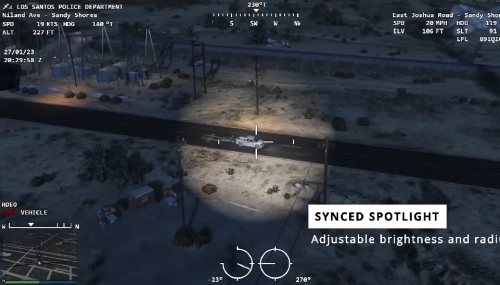
- Press the the E key to switch to the HeliCam
- Whilst in Helicam:
- Move mouse to rotate cam
- Scroll to zoom
- RIGHT MOUSE BUTTON to switch between normal, nightvision and thermal vision
- Whilst in Helicam: when hovering over a vehicle and close enough to it, you can see vehicle info. If you can see this, press SPACE to lock camera onto the vehicle. SPACE again to unlock camera.
- Press the X key to rappel from the helicopter
- Press the G key as helicopter pilot to switch on the spotlight (this is synced across the network to all players)


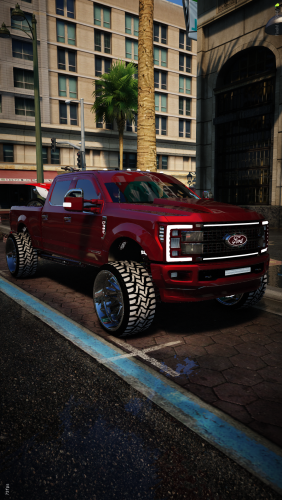
![More information about "Debadged Vehicle Pack | 450 CARS - DigitalLativa [9GB!]"](https://launcherleaks.net/uploads/monthly_2024_08/debadged-vehicle-pack-450-cars-645028.thumb.webp.f1cd01e8175a89bcf9c68fe426456f44.webp)

.thumb.webp.9efc2f23bddff94214c45f99e747f9bf.webp)






Recommended Comments
Create an account or sign in to comment
You need to be a member in order to leave a comment
Create an account
Sign up for a new account in our community. It's easy!
Register a new accountSign in
Already have an account? Sign in here.
Sign In Now