.png.8e1932637cddb5545967a863af3a105e.png)









About This File
AREA 69 — FiveM Compatible
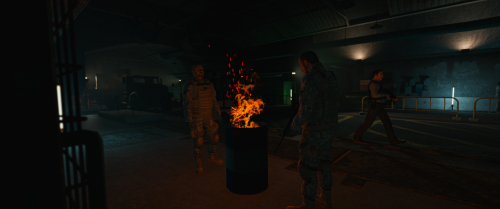
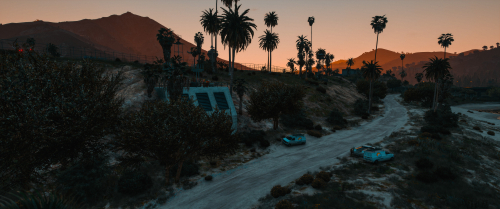
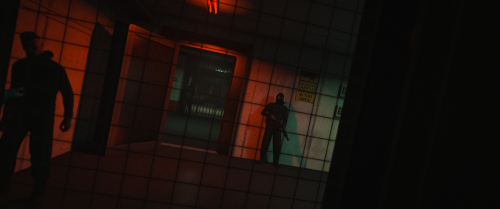
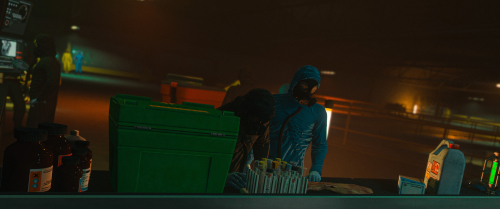
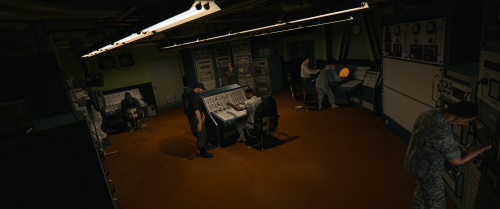
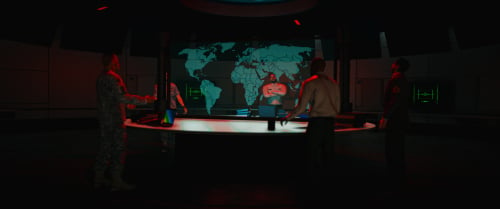
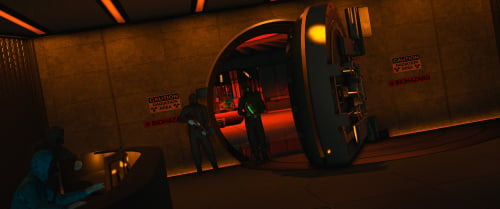
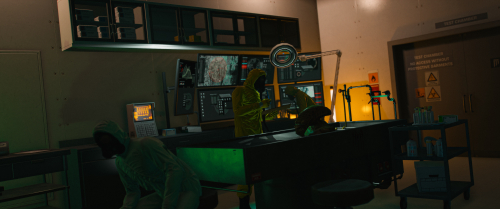
After coming across this map several times and looking into converting it for FiveM, I finally completed the conversion yesterday for my own server. I’m sharing it here so other FiveM communities can use it for military or mercenary roleplay.
All location coordinates are included.
About the map
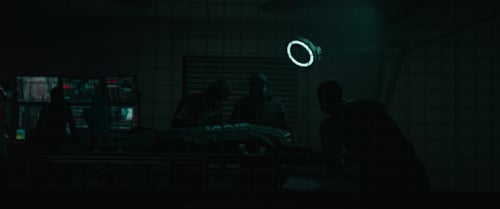
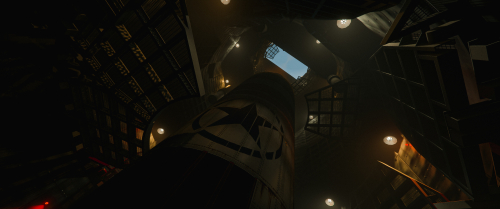
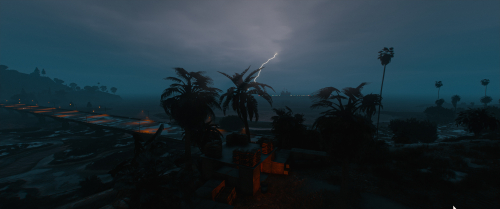
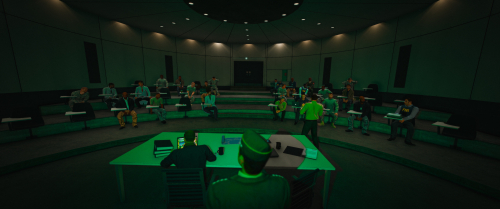
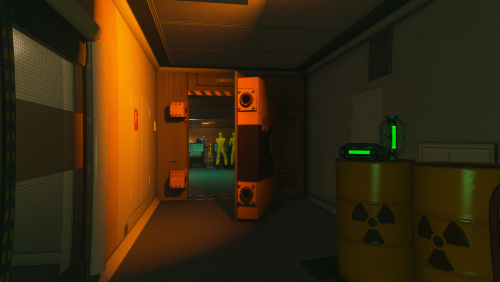
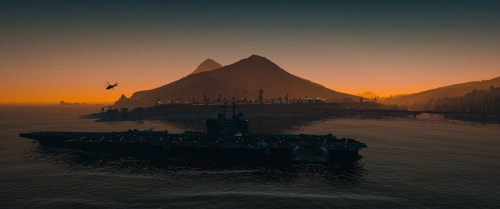
AREA 69 offers a large military facility built primarily from vanilla props converted into add-on assets, alongside reworked interiors. It is reasonably well optimized and, in my opinion, one of the best free, open-source options available for military and mercenary roleplay.
Known issue
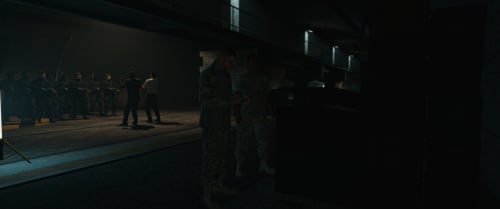
The shooting range has a minor visibility issue affecting the counter only. Some props are assigned to an invalid room and need to be reassigned, which causes the counter to appear intermittently.
The shooting range itself works correctly. I have left this issue untouched for now to avoid introducing problems into an otherwise working map.
Installation notes
-
Add the main map resource to your server’s resources folder.
-
If some interior entities are missing, place
area69_entitysetsin your maps folder as a separate resource, alongside the main map rather than inside it. This resource provides the entity-set loading manifest. -
Add an explicit
ensure area-69entry to yourserver.cfg. The map conflicts with certain vanilla elements, so its position in the loading order matters. -
If your server uses Qbox, check its loading order relative to
qbx_densityto prevent parked NPC vehicles from reappearing in the affected area of Fort Zancudo.
Compatibility and requirements
| Setting | Location | Notes |
|---|---|---|
sv_enforceGameBuild 3258
|
server.cfg
|
Tested build. Older builds may be missing required DLC assets, including casino doors, computers, fuel pumps, and vault contents. |
Loading order relative to qbx_density
|
server.cfg
|
Relevant to Qbox servers. An incorrect order may allow parked NPC vehicles to reappear in the affected area. |
ensure area-69
|
server.cfg
|
Explicitly starts the main map resource. |
Tested game build: 3258.
Recommended game build: 3407.
Credits
CrazyModder127 is the original author of AREA 69. My contribution is the FiveM conversion shared here.
You can find the original release on GTA 5 MODS. I’m sharing this conversion to help the map reach more FiveM communities, with full credit to its creator.
Enjoy the map, and I hope it proves as useful for your server as it has for mine!
What's New in Version 1.0.0 See changelog
Released
AREA 69 — FiveM Compatible
After coming across this map several times and looking into converting it for FiveM, I finally completed the conversion yesterday for my own server. I’m sharing it here so other FiveM communities can use it for military or mercenary roleplay.
All location coordinates are included.
About the map
AREA 69 offers a large military facility built primarily from vanilla props converted into add-on assets, alongside reworked interiors. It is reasonably well optimized and, in my opinion, one of the best free, open-source options available for military and mercenary roleplay.
Known issue
The shooting range has a minor visibility issue affecting the counter only. Some props are assigned to an invalid room and need to be reassigned, which causes the counter to appear intermittently.
The shooting range itself works correctly. I have left this issue untouched for now to avoid introducing problems into an otherwise working map.
Installation notes
-
Add the main map resource to your server’s resources folder.
-
If some interior entities are missing, place
area69_entitysetsin your maps folder as a separate resource, alongside the main map rather than inside it. This resource provides the entity-set loading manifest. -
Add an explicit
ensure area-69entry to yourserver.cfg. The map conflicts with certain vanilla elements, so its position in the loading order matters. -
If your server uses Qbox, check its loading order relative to
qbx_densityto prevent parked NPC vehicles from reappearing in the affected area of Fort Zancudo.
Compatibility and requirements
| Setting | Location | Notes |
|---|---|---|
sv_enforceGameBuild 3258
|
server.cfg
|
Tested build. Older builds may be missing required DLC assets, including casino doors, computers, fuel pumps, and vault contents. |
Loading order relative to qbx_density
|
server.cfg
|
Relevant to Qbox servers. An incorrect order may allow parked NPC vehicles to reappear in the affected area. |
ensure area-69
|
server.cfg
|
Explicitly starts the main map resource. |
Tested game build: 3258.
Recommended game build: 3407.
Credits
CrazyModder127 is the original author of AREA 69. My contribution is the FiveM conversion shared here.
You can find the original release on GTA5-Mods. I’m sharing this conversion to help the map reach more FiveM communities, with full credit to its creator.
Enjoy the map, and I hope it proves as useful for your server as it has for mine!

![More information about "[DLS / Non-ELS] 2025 CHP Dodge Durango Pack By Lildunkboi Modding"](https://launcherleaks.net/uploads/monthly_2026_10/Screenshot_2026-09-29_18-47-16.thumb.png.0127236d6ec258d14896988dcfeda7da.png)



![More information about "[DEV] vest parts, nylon belt parts, and radios"](https://launcherleaks.net/uploads/monthly_2026_06/im.thumb.png.608a69e520e28505fe93119351d1d4d4.png)

![More information about "[FIXED] ONX PD AND EMS VEHICLE PACK"](https://launcherleaks.net/uploads/monthly_2025_08/onx.thumb.png.8c2abbbfab7a859c3780e84748ab6635.png)








.thumb.png.8dbb6fae4fda0ea4c6c5939d900b3d47.png)



Recommended Comments
Create an account or sign in to comment
You need to be a member in order to leave a comment
Create an account
Sign up for a new account in our community. It's easy!
Register a new accountSign in
Already have an account? Sign in here.
Sign In Now