.png.8e1932637cddb5545967a863af3a105e.png)




.thumb.png.b0f74288d851858a40ab6384e1fd29f7.png)


About This File
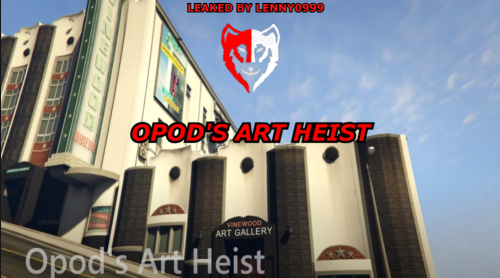
Opod's Art Heist (MLO Included)
opod-artheist
FIVEM READY
ArtGalleryMLOv2
FIVEM READY
INSTALLATION GUIDE
1. Download the File
2. Open your Server Files
3. Locate Your Resources Folder
4. Open the folder
5. Drag and Drop the files in the Resources Folder
6. Locate the Server CFG
7. Then Start the files
8. STARTING THEM ensure ArtGalleryMLOv2
9. STARTING THEM ensure opod-artheist


![More information about "Debadged Vehicle Pack | 450 CARS - DigitalLativa [9GB!]"](https://launcherleaks.net/uploads/monthly_2024_08/debadged-vehicle-pack-450-cars-645028.thumb.webp.f1cd01e8175a89bcf9c68fe426456f44.webp)

.thumb.webp.9efc2f23bddff94214c45f99e747f9bf.webp)




Recommended Comments
Create an account or sign in to comment
You need to be a member in order to leave a comment
Create an account
Sign up for a new account in our community. It's easy!
Register a new accountSign in
Already have an account? Sign in here.
Sign In Now