.png.8e1932637cddb5545967a863af3a105e.png)





Zveft
-
Posts
104 -
Joined
-
Last visited
-
Days Won
3
Content Type
Profiles
Downloads
Release Notes
Store
Everything posted by Zveft
-
 ?
? -
Version 1.0.0
1233 downloads
Not sure who made it, but yes, here you go.Free -
Version 1.0.0
818 downloads
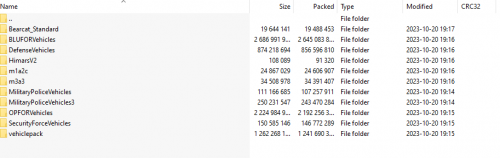
Had to divide the vehicles and the full server dump since the server is bigFree -
Version 1.0.0
367 downloads
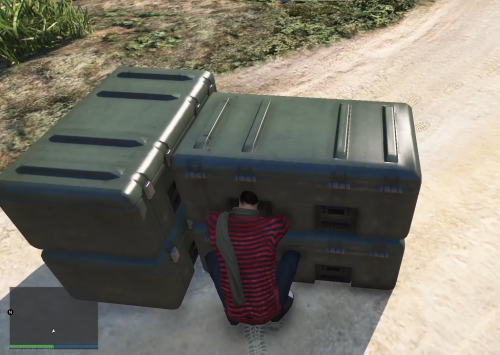
Features List: Battery Life Management: This script includes battery life management for Night Vision Goggles (NVGs). Players will need to manage their NVG's battery life, which will decrease over time, and recharge or replace batteries as needed. Battery Level HUD: The script includes a customizable battery level HUD that displays the current battery level. Settings such as font, scale, position, and color can be adjusted to match your server's preferences. Battery Collector System: Players can collect batteries at designated battery collector locations using a customizable key bind. The collection time and messages can also be customized to suit your server's needs. Battery Collector Blips: The script includes customizable battery collector blips that show the location of battery collectors on the map. The blip name and sprite can be adjusted to match your server's theme. Battery Storage Props: The script includes customizable battery storage props that can be placed at specific locations on the map. These props can be used to store collected batteries, and their locations can be adjusted to suit your server's needs. Fully Editable Script: This script is fully customizable, allowing you to edit nearly everything in the script. You can adjust the battery life management rules, the battery station locations, and more. This flexibility makes it easy to tailor the script to your server's specific needs and preferences. Configuration: -- GENERAL SETTINGS key = 38 -- The key code for the NVG toggle command (default: E) -- https://docs.fivem.net/docs/game-references/controls/ -- BATTERY SETTINGS batteryLevel = 100 -- The max battery level of the NVG (in percentage) batteryDecreaseInterval = 10 -- The interval (in seconds) at which the battery level decreases batterydeflationpercentage = 95 -- The battery percetage that causes the NVG's to no longer function decreaseRate = 1 -- Determines how much of the battery is lost per interval defined in batteryDecreaseInterval maxChargeCount = 3 -- Sets the maximum number of times the battery can be charged until having to go to a Battery Station -- NOTIFICATIONS nvgon = "~g~NVG On" -- The message displayed when the NVG is turned on nvgoff = "~r~NVG Off" -- The message displayed when the NVG is turned off batterydead = "~r~NVG battery dead!~w~ Use /chargervg or reflll at a Battery Station" -- The message displayed when the NVG battery is dead batterydeadstation = "Battery needs to be refilled at the Battery Station" chargednvg = "NVG battery recharged!" -- The message displayed when the NVG battery is recharged batteryLev = "~g~NVG Battery level:" -- BATTERY LEVEL HUD hudEnabled = true -- True/False, If you want the Battery Life displayed on screen or not. font = 4 -- The ID of the font to use for the text. You can find a list of available fonts on the a documentation website at https://wiki.rage.mp/index.php?title=Fonts_and_Colors. scale = 0.6 -- The size of the text. This is a scaling factor that affects the height of the text. The width of the text will be scaled proportionally. x = 0.9 -- The x-coordinate of the top-right corner of the text. This is measured as a fraction of the screen width, with 0 being the left side and 1 being the right side. y = 0.05 -- The y-coordinate of the top-right corner of the text. This is measured as a fraction of the screen height, with 0 being the top and 1 being the bottom. r, g, b, alpha = 255, 255, 255, 200 -- The color and transparency of the text. This is specified as RGBA values, with each value ranging from 0 to 255. --text = "Battery: " .. batteryLevel .. "%" -- The text to display. batteryText = "Battery:" -- BATTERY COLLECTOR startcollectKey = 23 -- The key pressed to collect batteries at battery stations -- https://docs.fivem.net/docs/game-references/controls/ collecttime = 3 -- The amount of time it takes to collect batteries pickupAnim = "machinic_loop_mechandplayer" -- Changes the animation when picking up batteries animDict = "anim@amb@clubhouse@tutorial@bkr_tut_ig3@" -- The animation directory for the animation above startbattery = "Press ~g~F~w~ to replace batteries." -- The message displayed at battery stations startcharge = "~o~Replacing NVG batteries." -- The message displayed when you first type /chargenvg batterycollected = "~g~Replaced NVG Batteries." -- The message displayed when the batteries is complete batterycollectedstation = "Battery ~g~replaced ~w~in NVG and ~g~collected ~w~backup batteries." -- The message displayed when the batteries is complete batterycommand = "Your batteries are already full." -- The message displayed when you're running /chargenvg at 100% showBatteryBlips = true -- Whether the Blips for the Battery Collectors are enabled or disabled blipName = "Battery Collectors" -- Name for the blips, If enabled blipSprite = 354 -- https://docs.fivem.net/docs/game-references/blips/ props = { -- Batteries Storage (If you change this, We highly recommend you restart the server so the props don't bug out.) { name = "bkr_prop_crate_set_01a", x = 2778.4021, y = 4809.3999, z = 45.3621 } }Free -

Version 1.0.0
321 downloads
Features List: Custom Landmine Prop: This script includes a custom landmine prop developed by our team. You can also use your own model for the landmine, which can be easily edited via the configuration file. The landmine prop can be placed anywhere on the map and will explode when triggered. Discord Logging: This script includes a Discord logging via webhook that is perfect for staff teams. When a landmine is placed or triggered, the script will automatically send a message to a designated Discord channel, letting staff know where the explosion occurred. Ability to Define Mine Sweepers: With this, you can define which vehicles are designated as mine sweepers. These vehicles will be able to detect landmines before they are triggered and can defuse them before they explode. This feature adds an extra layer of strategy to your gameplay and makes your server more engaging for your players. Fully Editable Script: This script is fully customizable, allowing you to edit nearly everything in the script. You can adjust the landmine placement rules, the explosion effects, the mine sweeper definitions, and more. This flexibility makes it easy to tailor the script to your server's specific needs and preferences. Configuration: -- BASIC SETTINGS armtime = 3 -- Time in seconds it takes till the bomb is armed. minetimer = 10 -- How long in seconds people must wait between placing mines. progressbar = true -- Should the player get a progress bar appear when placing the mine down. -- PLAYER EXPLOSION SETTINGS playerdistance = 1.4 -- At what distance should the mine detect a PLAYER pexplosiontype = 44 -- What type of explosion the mine is, you can find a list at https://docs.fivem.net/natives/?_0xE3AD2BDBAEE269AC pdamagescale = 20.0 -- How much damage the mine should deal, MUST HAVE DECIMAL more info at https://docs.fivem.net/natives/?_0xE3AD2BDBAEE269AC -- VEHICLE EXPLOSION SETTINGS vehicledistance = 3 -- At what distance should them ine detect a VEHICLE, with a player inside. vexplosiontype = 44 -- What type of explosion the mine is, you can find a list at https://docs.fivem.net/natives/?_0xE3AD2BDBAEE269AC vdamagescale = 20.0 -- How much damage the mine should deal, MUST HAVE DECIMAL more info at https://docs.fivem.net/natives/?_0xE3AD2BDBAEE269AC destroyengine = true -- Should if a vehicle drive over the engine be instantly destroyed, true = engine is destroyed instantly. immunetomine = {"rhino", "adder"} -- Vehicle that should act as "mine sweepers" - if you've none replace with anything. -- MISC SETTINGS modelHash = "prop_ld_binbag_01" -- The mine model pickupAnim = "pickup_low" -- Changes the animation when planting the mine. animDict = "random@domestic" -- Ignore this unless you know what your doing.Free -
Version 1.0.0
450 downloads
OopsFree -
Version 1.0.0
612 downloads
OopsFree -

Version 1.0.0
547 downloads
OopsFree -
Version 1.0.0
838 downloads
OopsFree -
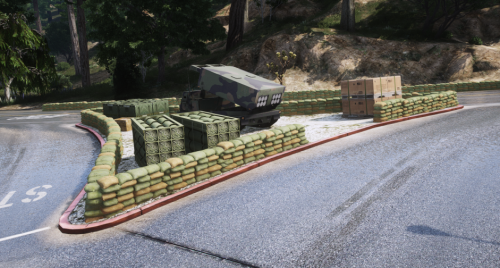
Version 1.0.0
460 downloads
AhhhhFree -
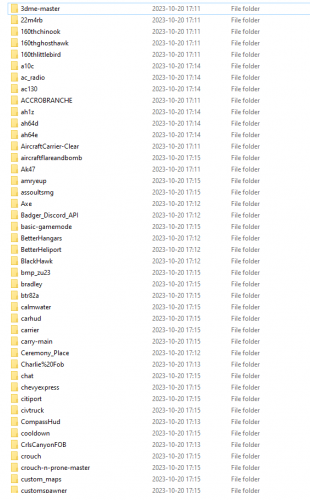
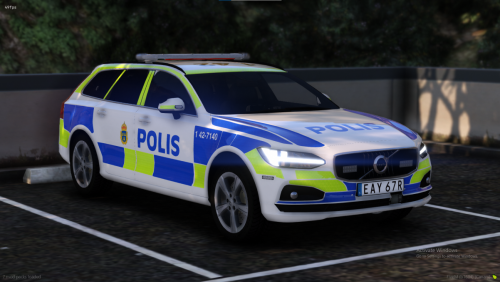 I've dumped some servers. And yes, you can dump servers in order to get the vehicles. Edit: You can either buy the vehicle and leak it, or you can dump it and leak it.
 -
?
-
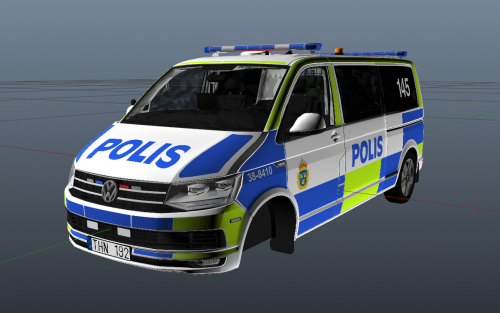 W
W -

Version 1.0.0
710 downloads
/Free -
 Not able to
 -
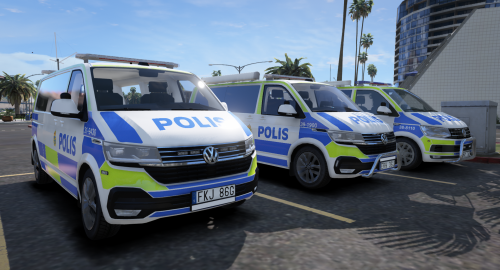 Got more Swedish vehicles??
 -
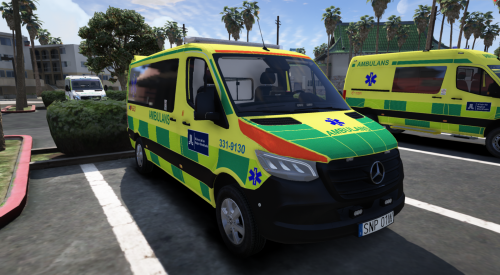 SÅ JA FELIX!!
 -
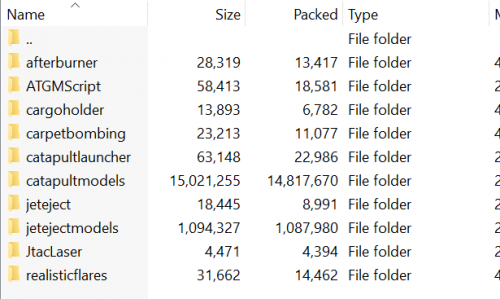 WWWWW
WWWWW -
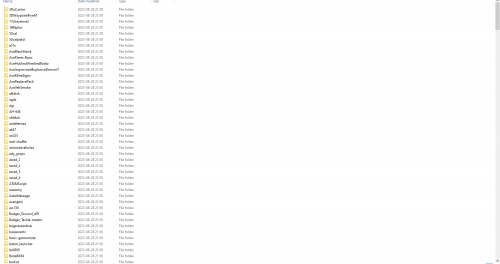 What do you mean? Yours probably newer, I dumped this a week and a half ago. Could be the reason why they do not match
 -
Yeah, saw that. big W for you too, I saw it was without the stream so thought why not leak stream too.
-
Version 1.0.0
523 downloads
Life's Crazy, isn't it? Server filled with power abusing admins ?Free -
I’ll leak it later today!