.png.8e1932637cddb5545967a863af3a105e.png)







About This File
1. Download the Script
-
Scripts usually come as
.zipfiles from GitHub, forums, or paid resources. -
Extract the zip file — inside you’ll see a folder (this is the resource).
2. Place it in Your Resources Folder
-
Navigate to your FiveM server files.
-
Go to
server-data/resources/ -
Drag the script’s folder into this resources directory.
👉 Important: The folder name should not contain spaces. If the script came with a weird name like my_script-main, rename it to something clean like my_script.
3. Add to server.cfg
-
Open your
server.cfgfile (located inserver-data/). -
Add a line for your script:

![More information about "[DLS / Non-ELS] 2025 CHP Dodge Durango Pack By Lildunkboi Modding"](https://launcherleaks.net/uploads/monthly_2026_10/Screenshot_2026-09-29_18-47-16.thumb.png.0127236d6ec258d14896988dcfeda7da.png)



![More information about "[DEV] vest parts, nylon belt parts, and radios"](https://launcherleaks.net/uploads/monthly_2026_06/im.thumb.png.608a69e520e28505fe93119351d1d4d4.png)
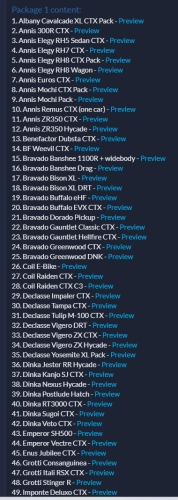
![More information about "[FIXED] ONX PD AND EMS VEHICLE PACK"](https://launcherleaks.net/uploads/monthly_2025_08/onx.thumb.png.8c2abbbfab7a859c3780e84748ab6635.png)








.thumb.png.8dbb6fae4fda0ea4c6c5939d900b3d47.png)


