.png.8e1932637cddb5545967a863af3a105e.png)






About This File
Emergency Response Simulator (ERS)
Crafted by Nights Software in collaboration with London Studios.
Your next adventure has arrived!
This advanced (co-op) PVE roleplay game mode simulates emergency service calls, where you as emergency service worker have to respond to. Whether you are a medic, firefighter, tow service operator or police officer, there is always something to do. With finetuned callouts you’ll never get bored of driving around in your service vehicle. Rush to high-priority, dangerous calls, or handle routine tasks like warning a speeder. Each callout is unique, with random outcomes that keep you curious and engaged every time you respond to an emergency.
Not only NPC interaction is a great feature of the game mode. You can also create your own callouts. We left the callouts to be open source which allows you to adjust existing callouts and create new ones at your demand. We have provided you with a set of ERS Functions, these functions can be used by developers when creating callouts for the ERS resource. This requires at least low-medium skill of developing in LUA for FiveM. Nights Software does not offer support for creating your own callouts. Use the examples and documentation to guide you and find help within the community!
Edited by The Misticys
What's New in Version 2.0 See changelog
Released
FIXED = Nights ERS Ultimate - SmartHoseLite + SmartFiresLite + Nights MDT + Prop System + World Events + WeighStation + K9
MDT and duty:
-
/ers— open the MDT. -
/mdt— open or close the MDT. -
F6— default MDT key. - Start/end your emergency-service shift from inside the MDT.
- Change callsign and status from inside the MDT.
Callouts:
-
/requestcallout— manually request a callout. -
/acceptcallout— accept the offered callout. -
/completecallout— decline an offer or cancel your current callout. -
/togglecallouts— enable or disable callout offers. -
/toggleshift— ERS shift toggle when MDT shift management is unavailable. -
/togglecalloutinfo— hide/show callout information. -
/toggledispatchmessages— hide/show dispatch messages. -
/track [server ID]— track a responding unit. -
/stoptracking— stop tracking a unit. -
/openmdtprofile— open the current person/vehicle profile. -
/togglehints— enable or disable ERS hints. -
/toggleerslayout— edit the ERS HUD layout.
Common default keys:
-
Y— accept callout. -
X— decline/cancel callout. -
Z— ERS radial menu. -
Page Down— toggle callout panel. -
E— interact. -
Tab— redisplay the last information panel.
Police interactions:
-
/pullover— attempt a traffic stop. -
/pullovermode— change traffic-stop mode. -
/interact— interact with the nearest person. -
/orderknees— order a targeted person to kneel or stand. -
/searchveh— search a vehicle. -
/impound— interact with the impound system. -
/gear— interact with the equipment system. -
/broom— clean up a nearby callout object. -
/grabstinger— take out or store a spike strip. -
/stinger— deploy or collect a spike strip. -
/pursuitbackup— open pursuit backup menu. -
/cancelpursuit— cancel the active pursuit. -
/zoompursuit— focus the pursuit target.
Backup and transport:
-
/ersradialmenu— open the backup/service radial menu. -
/requestpolice— request police transport. -
/cancelpolice— cancel police transport. -
/requestambulance— request an ambulance. -
/cancelambulance— cancel the ambulance. -
/requestfire— request fire service. -
/cancelfire— cancel fire service. -
/requesttow— request vehicle recovery. -
/canceltow— cancel vehicle recovery. -
/requestroadservice— request roadside assistance. -
/cancelroadservice— cancel roadside assistance. -
/requesttaxi— request a taxi. -
/canceltaxi— cancel the taxi. -
/requestcoroner— request a coroner. -
/cancelcoroner— cancel the coroner. -
/requestanimalrescue— request animal rescue. -
/cancelanimalrescue— cancel animal rescue. -
/requestmechanic— request a mechanic. -
/cancelmechanic— cancel the mechanic.
Stretcher:
-
/spawnstretcher— spawn a stretcher. -
/deletestretcher— delete the stretcher. -
/grabstretcher— grab or release it. -
/lowerstretcher— lower it. -
/raisestretcher— raise it. -
/vstretcher— load/unload it from a vehicle. -
/getonoroffstretcher— enter or leave it. -
/dropoffped— deliver the patient at a hospital.
Tow tools:
-
/ccv— connect the nearest vehicle to the tow vehicle.
World events:
-
/requestworldevent— request a random world event. -
/requestworldevent [event_name]— request a specific enabled event.
Weigh station:
-
/setupweighstation— create a weigh station at your position. -
/removeweighstation— remove the nearest weigh station. -
/setvehweight [amount]— add fictional extra vehicle weight. -
/removevehweight— remove the fictional extra weight.


![More information about "[SP] LASD belts"](https://launcherleaks.net/uploads/monthly_2026_09/9-9-2026_164015_discord_com.thumb.jpeg.9f564b330bbd857a949f8b1288a3e2f0.jpeg)

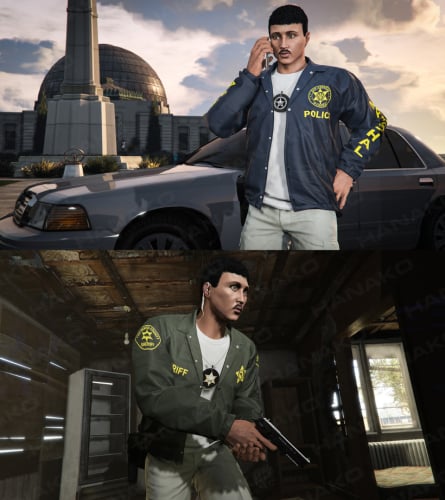
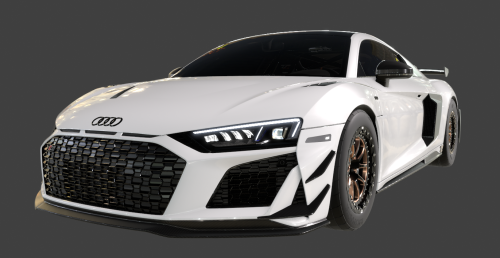
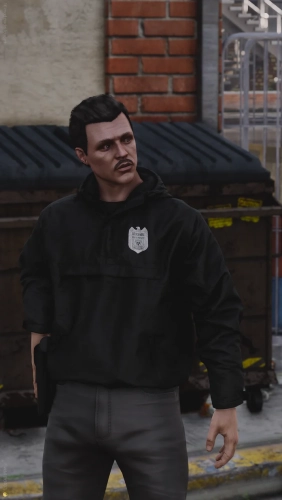
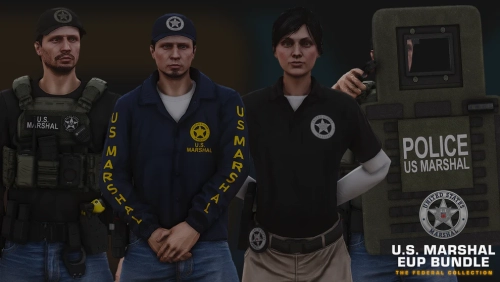
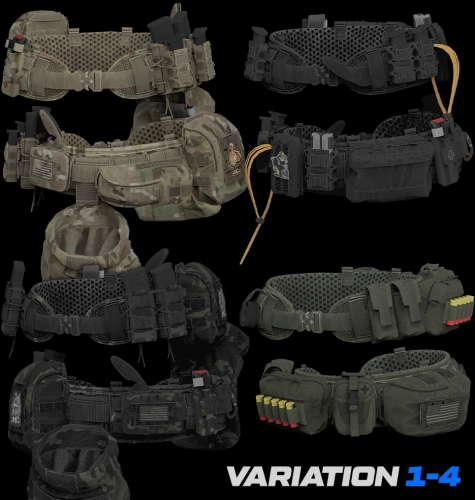


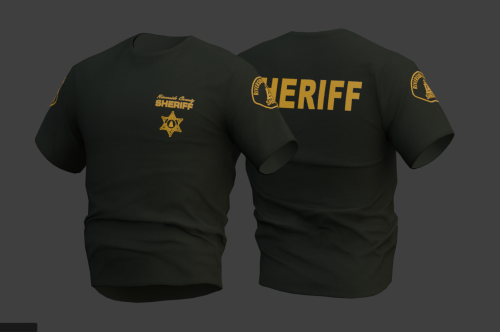
![More information about "[DEV] vest parts, nylon belt parts, and radios"](https://launcherleaks.net/uploads/monthly_2026_06/im.thumb.png.608a69e520e28505fe93119351d1d4d4.png)
![More information about "[FIXED] ONX PD AND EMS VEHICLE PACK"](https://launcherleaks.net/uploads/monthly_2025_08/onx.thumb.png.8c2abbbfab7a859c3780e84748ab6635.png)

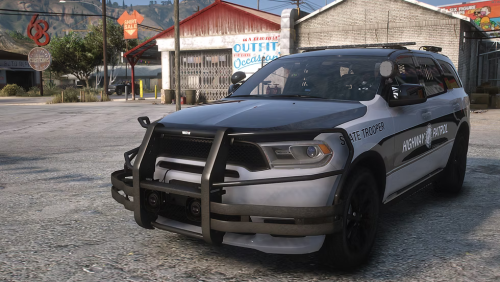



.thumb.jpg.036fa65b13e3263ce3bfdf4acc55629c.jpg)



.thumb.png.8dbb6fae4fda0ea4c6c5939d900b3d47.png)



