.png.8e1932637cddb5545967a863af3a105e.png)







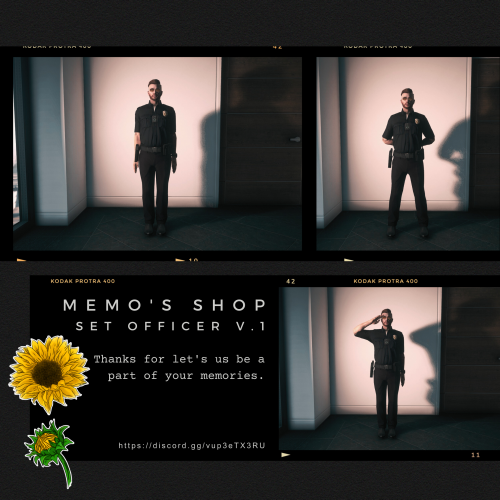
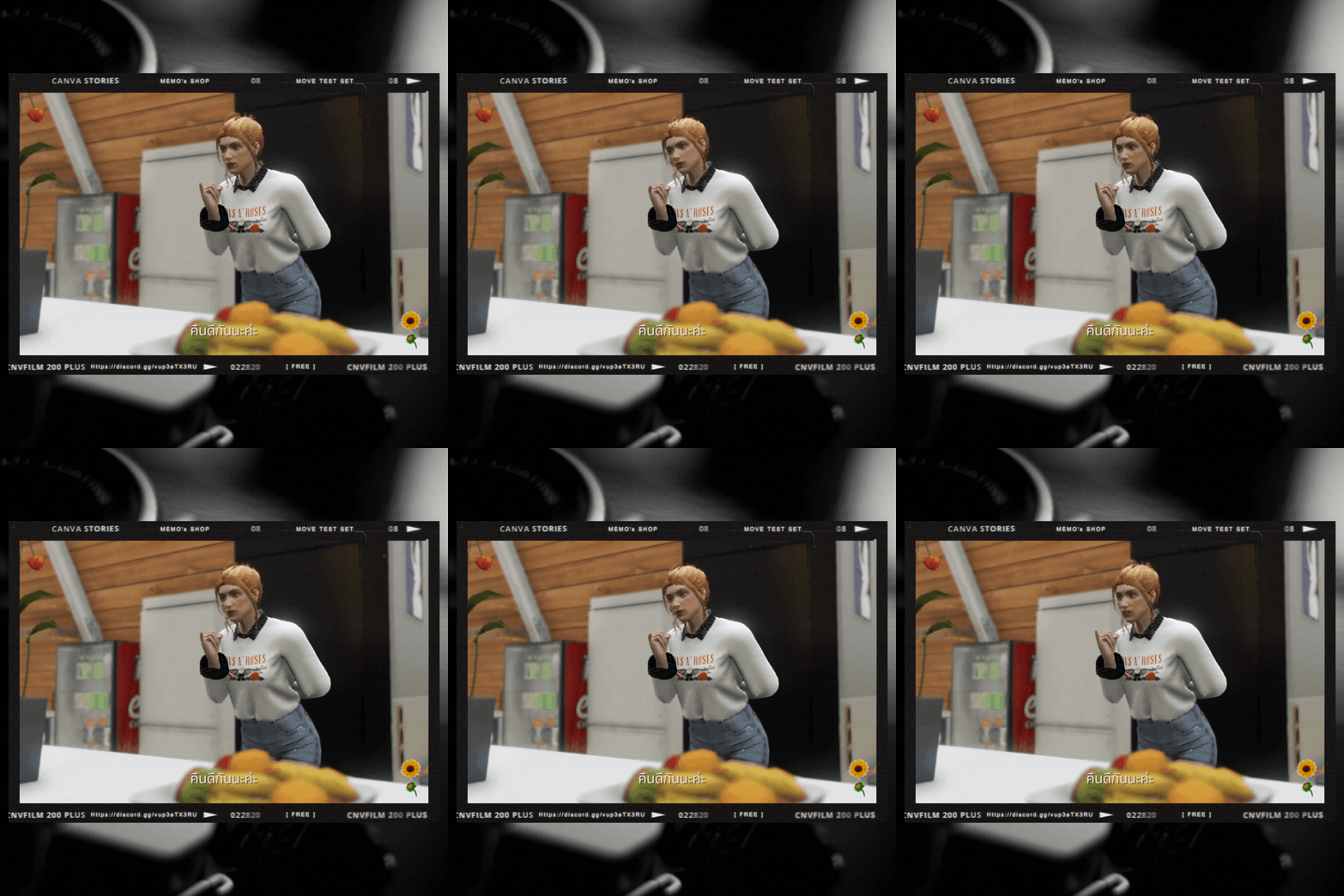
About This File
? Memo's anims by Memoi's shop ?
We provide a custom emote/pose. You can check out more contents through our discord : https://discord.gg/TwmnKVBk58
Note 1 : We provide for both SP and FiveM.
Note 2 : We provide step for installation, please read file "README.txt" for your own adventage.
-------------------------------------------------------
? ᴍ ? ᴇ ? ᴍ ? ᴏ ? 'ꜱ ? ꜱ ? ʜ ? ᴏ ? ᴘ ?
-------------------------------------------------------
How to install
— Singleplayer
1. Install files by import to: Grand Theft Auto V\mods\update\x64\dlcpacks\patchday4ng\dlc.rpf\x64\anim\ingame\[email protected]\
2. Go to menyooStuff and edit the FavoriteAnim.xml by adding the provided code : Grand Theft Auto V\menyooStuff\FavouriteAnims.xml\
3. Enjoy.
— FiveM
1. Drop YCD files inside your stream folder in your available or use emote, pose or animetion folder.
2. Copy the provided code into AnimationList.lua found in Client folder.
3. Enjoy.

![More information about "[DLS / Non-ELS] 2025 CHP Dodge Durango Pack By Lildunkboi Modding"](https://launcherleaks.net/uploads/monthly_2026_10/Screenshot_2026-09-29_18-47-16.thumb.png.0127236d6ec258d14896988dcfeda7da.png)



![More information about "[DEV] vest parts, nylon belt parts, and radios"](https://launcherleaks.net/uploads/monthly_2026_06/im.thumb.png.608a69e520e28505fe93119351d1d4d4.png)
![More information about "[FIXED] ONX PD AND EMS VEHICLE PACK"](https://launcherleaks.net/uploads/monthly_2025_08/onx.thumb.png.8c2abbbfab7a859c3780e84748ab6635.png)








.thumb.png.8dbb6fae4fda0ea4c6c5939d900b3d47.png)


