.png.8e1932637cddb5545967a863af3a105e.png)






About This File
hello Again, i am sorry for my english, cause im spanish, the only 1st world country that looks like 3rd world...
Jokes apart...
A friend of me edit those scripts to works like they do now.
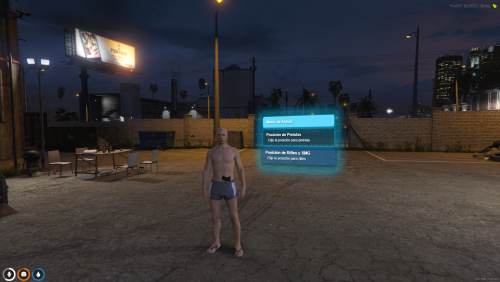
the first 1 is a Weapon Position script for everyone, not only police. with a very simple use, just press f10 or use ''holster'' and change positions.
the second one is for job blips. just edit the config with the blip location, style and job, and add the job on menu.lua...
when you are on service, dont care the method that u use, use the command ''jobmenu'' or press f6 and open or close your Job Blip, when is open, is green and bigger, and obviously when closed it looks grey and smaller.
i know its a very simple script, but is usefull for me.
and the last, is for qb-core and uses qb-menu
https://medal.tv/games/gta-v/clips/i1prtvxUUwaKNSoBZ/d1337lsVTW3X?invite=cr-MSx2ZWYsMTY2MDM4MjYwLA
Edited by Yeyi94

![More information about "[SP] LASD belts"](https://launcherleaks.net/uploads/monthly_2026_09/9-9-2026_164015_discord_com.thumb.jpeg.9f564b330bbd857a949f8b1288a3e2f0.jpeg)

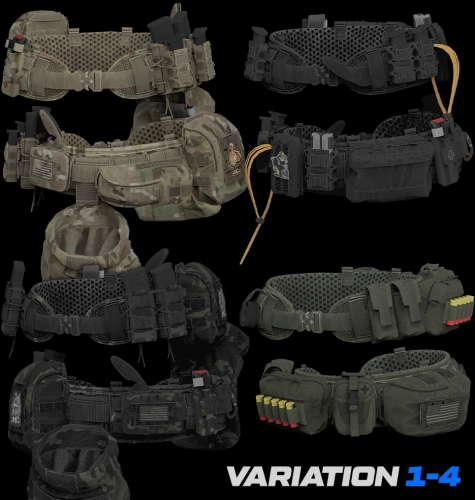


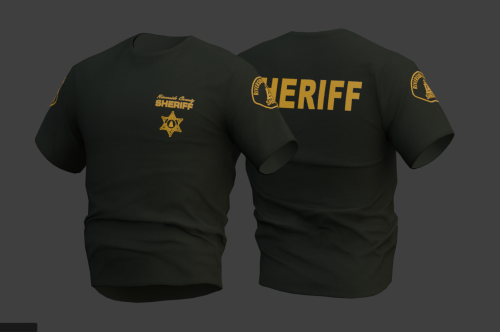
![More information about "[DEV] vest parts, nylon belt parts, and radios"](https://launcherleaks.net/uploads/monthly_2026_06/im.thumb.png.608a69e520e28505fe93119351d1d4d4.png)
![More information about "[FIXED] ONX PD AND EMS VEHICLE PACK"](https://launcherleaks.net/uploads/monthly_2025_08/onx.thumb.png.8c2abbbfab7a859c3780e84748ab6635.png)

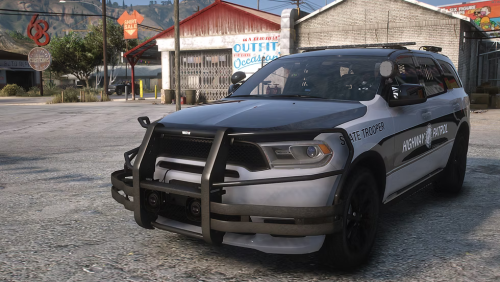



.thumb.jpg.036fa65b13e3263ce3bfdf4acc55629c.jpg)



.thumb.png.8dbb6fae4fda0ea4c6c5939d900b3d47.png)




Recommended Comments
Create an account or sign in to comment
You need to be a member in order to leave a comment
Create an account
Sign up for a new account in our community. It's easy!
Register a new accountSign in
Already have an account? Sign in here.
Sign In Now