.png.8e1932637cddb5545967a863af3a105e.png)






About This File
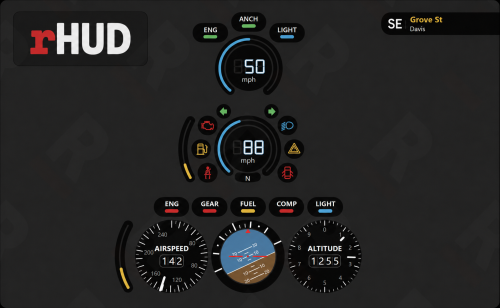
rHUD Singleplayer Edition brings the original rHUD vehicle interface to GTA V Story Mode. It uses ScriptHookVDotNet to collect live information from the game and a transparent overlay to display the original rHUD design.
Features:
• Vehicle speedometer
• Fuel gaugeUpdate this image of what t
• Engine-status indicators
• Seatbelt system
• Vehicle door and lighting indicators
• Aircraft airspeed, altitude, pitch and roll
• Watercraft HUD
• Live compass direction
• Current street and area information
• Automatic HUD changes for cars, aircraft and boats
• F10 HUD toggle
• K seatbelt control
Removed Features:
The following features were removed because they are designed for FiveM servers or were not functioning correctly in GTA V Singleplayer:
• AOP status
• Priority status
• Nearest Postal row
• Speed-limit sign
• Player and weapon circle
The lower compass, street and area panel remains available.
Requirements:
• Script Hook V
• ScriptHookVDotNet 3.7
• Node.js LTS
• GTA V Legacy
• Borderless Windowed display mode
Installation:
-
Copy the included scripts folder into your main GTA V directory.
-
Copy rHUD-Overlay and Install-and-Start-rHUD.bat into the main GTA V directory.
-
Run Install-and-Start-rHUD.bat.
-
Allow the first-time overlay installation to finish.
-
Leave the rHUD command window running.
-
Launch GTA V in Borderless Windowed mode.
-
Load Story Mode and enter a vehicle.
The rHUD overlay must be started before launching the game. If the HUD does not appear, press F10 once and confirm the red rHUD icon is running in the Windows system tray.
Original rHUD interface credit belongs to its original creator.

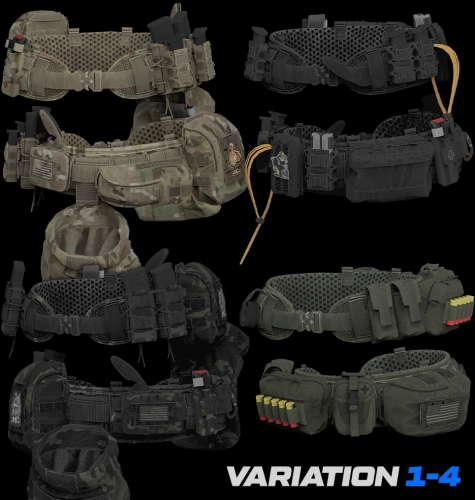
![More information about "[SP] LASD belts"](https://launcherleaks.net/uploads/monthly_2026_09/9-9-2026_164015_discord_com.thumb.jpeg.9f564b330bbd857a949f8b1288a3e2f0.jpeg)


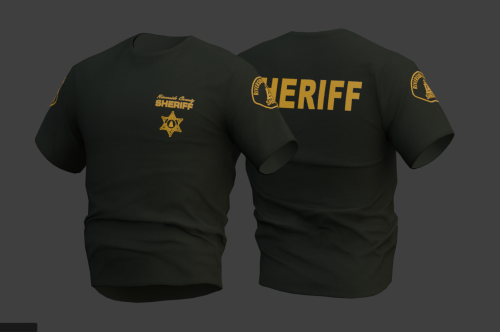

![More information about "[DEV] vest parts, nylon belt parts, and radios"](https://launcherleaks.net/uploads/monthly_2026_06/im.thumb.png.608a69e520e28505fe93119351d1d4d4.png)
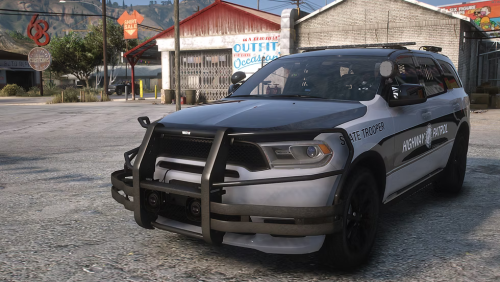
![More information about "[FIXED] ONX PD AND EMS VEHICLE PACK"](https://launcherleaks.net/uploads/monthly_2025_08/onx.thumb.png.8c2abbbfab7a859c3780e84748ab6635.png)




.thumb.jpg.036fa65b13e3263ce3bfdf4acc55629c.jpg)



.thumb.png.8dbb6fae4fda0ea4c6c5939d900b3d47.png)



