.png.8e1932637cddb5545967a863af3a105e.png)






About This File
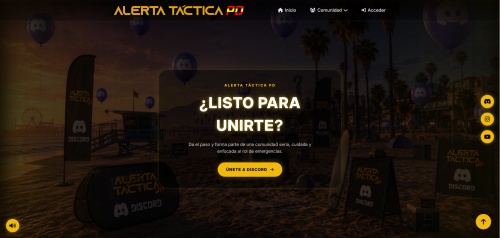
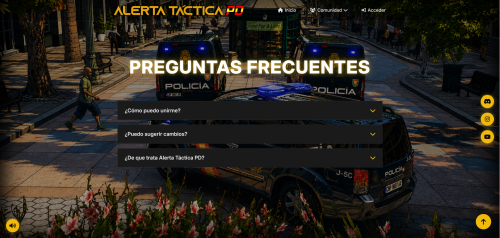
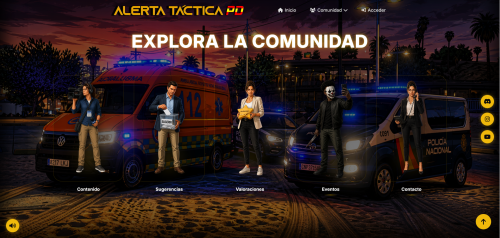
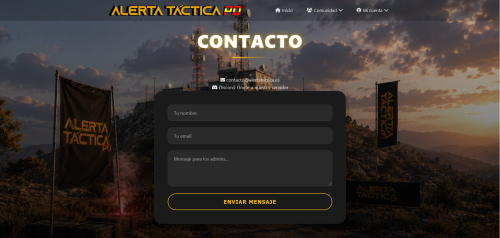
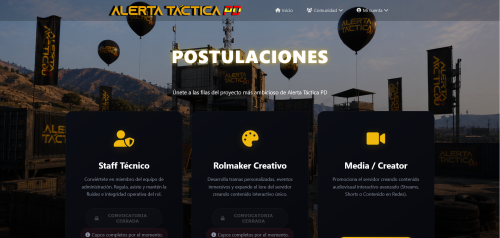
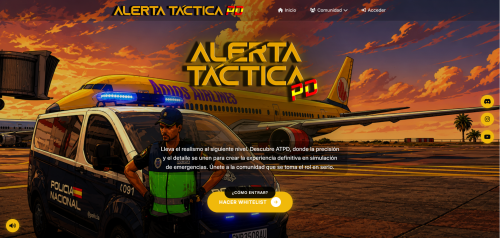
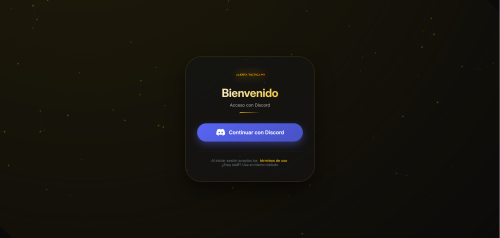
The website inspired by Tactical Alert PD. This website has been designed and enhanced entirely with AI to offer a premium user experience with a modern UI/UX design, custom micro-animations, and a highly responsive design.
Equipped with a powerful Express (Node.js) backend, it features a dual storage system: it automatically connects and initializes a MySQL database, but if MySQL is down, it seamlessly falls back to a fully simulated in-memory Mock Engine so your users and staff can test and use the web immediately with zero setup!
------------------------------------------------------------------------
🌟 KEY FEATURES
------------------------------------------------------------------------
* Premium UI & Fluid UX: Tactical gold theme (#f0b90b), dark glassmorphism effects, custom Google Fonts (Inter), and sleek micro-animations.
* Complete Administrative Suite: An advanced tabbed Admin Dashboard allowing administrators to:
- Approve or reject player Whitelist Exams.
- Accept, delete, or moderate suggestions.
- Dynamically moderate community Reviews.
- Schedule, create, and delete server Events.
- Publish and manage main website News articles.
- Instantly toggle and edit the live Maintenance Mode settings.
* Dynamic Maintenance Mode: A premium, custom-designed maintenance page with live progress updates that staff can turn on or off dynamically without restarting the server.
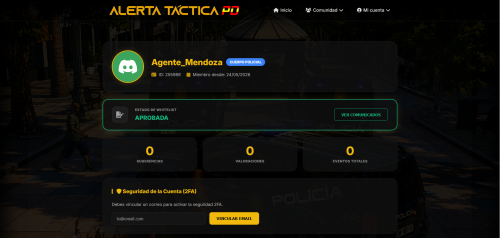
* Dynamic Whitelist Exams: Players can submit exams, which are sent to the Admin Panel for live evaluation. Integrates custom backstory validations and profile updates.
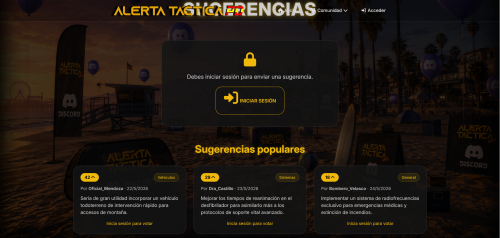
* Interactive Suggestions Module: Allows players to post ideas sorted by category and upvote them dynamically.
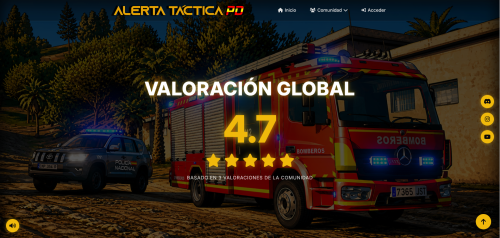
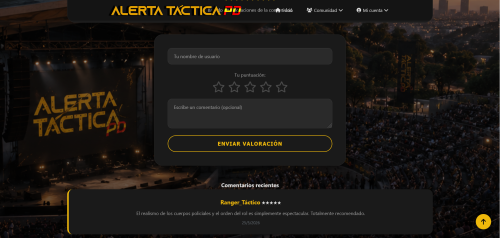
* Real-Time Reviews & Calculations: Real mathematical averages and reviews count computed directly from live entries.
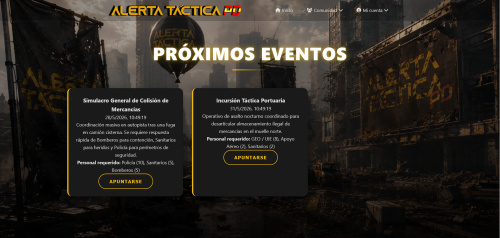
* Event Scheduler: A calendar-based list where players can check upcoming tactical events and sign up for specific roles (e.g., Police, Medic, Firefighter) in real-time.
* Official Bulletin (CNP / SAMUR): An interactive bulletin board showing internal orders, notices, and official announcements.
* Privacy & Cookie Control Banner: A modern, interactive cookie compliance banner matching GDPR standards.
------------------------------------------------------------------------
⚙️ TECH STACK & REQUIREMENTS
------------------------------------------------------------------------
* Frontend: Vanilla HTML5, CSS3, Modern ES6 JavaScript.
* Backend: Node.js, Express, Cors, Dotenv.
* Database: MySQL (supported via connection pool with auto-migration of database.sql) OR Automatic Mock Memory Fallback (requires absolutely no database setup to test and run!).
------------------------------------------------------------------------
🚀 HOW TO SET UP & RUN
------------------------------------------------------------------------
Setting up the portal takes less than a minute:
1. Install Node.js (v16 or higher recommended) on your machine.
2. (Optional) For persistent database storage:
a. Install and run MySQL (e.g. via XAMPP, WampServer, or a standalone MySQL installation).
b. Configure your MySQL credentials (host, user, password) inside the `.env` file in the project root.
c. The backend will automatically create the database and auto-import the `database.sql` file upon startup!
3. Download & Extract this project folder.
4. Open your terminal in the project directory and install dependencies:
npm install
5. Start the web server in development mode:
npm run dev
6. Done! Open your browser and navigate to:
👉 http://localhost:3000
------------------------------------------------------------------------
🔑 DEFAULT ADMINISTRATOR LOGIN (STAFF TEST PROFILE)
------------------------------------------------------------------------
To log in as an administrator and access the Staff Dashboard:
1. Go to the login page: http://localhost:3000/login.php
2. Connect using the guest profile or complete the simple Discord simulator credentials.
3. Enter the Admin panel through the top right dropdown menu or navigate directly to http://localhost:3000/admin/index.php.
Edited by Rupro Leaks

![More information about "[DLS / Non-ELS] 2025 CHP Dodge Durango Pack By Lildunkboi Modding"](https://launcherleaks.net/uploads/monthly_2026_10/Screenshot_2026-09-29_18-47-16.thumb.png.0127236d6ec258d14896988dcfeda7da.png)



![More information about "[DEV] vest parts, nylon belt parts, and radios"](https://launcherleaks.net/uploads/monthly_2026_06/im.thumb.png.608a69e520e28505fe93119351d1d4d4.png)
![More information about "[FIXED] ONX PD AND EMS VEHICLE PACK"](https://launcherleaks.net/uploads/monthly_2025_08/onx.thumb.png.8c2abbbfab7a859c3780e84748ab6635.png)








.thumb.png.8dbb6fae4fda0ea4c6c5939d900b3d47.png)


